

Description
Klamra Book Builder helps site owners turn published WordPress posts or WooCommerce products into one organized, printable book file.
The plugin generates a standalone HTML file with a cover page, table of contents, chapter numbering, print stylesheet and browser-based Save as PDF support. It is useful for bloggers, writers, educators, artists, small publishers and content-heavy sites that want to turn an archive into a manuscript, booklet, printable collection or draft book.
The first public version focuses on safe HTML export rather than server-side PDF generation. This keeps the plugin lightweight and reduces hosting compatibility issues.
Features:
- Export published posts into one book-style HTML file
- Export WooCommerce products into a printable catalog-style book
- Choose all posts/products or a specific category
- Choose oldest-first or newest-first order
- Set an export limit to reduce server load
- Include dates, featured images and table of contents
- Choose LTR or RTL book direction
- Browser Print / Save as PDF support
- CSS page-number support for print engines that support CSS page margin boxes
- Safe mode to skip shortcodes, forms, scripts and heavy embeds while exporting
- Direct file writing to reduce memory usage
- Secure admin-only download links
- ASCII-only generated filenames for better hosting compatibility
Important PDF Note
Klamra Book Builder creates a printable HTML book. To create a PDF, open the generated book and use your browser’s Print / Save as PDF option.
Page numbers are added with CSS @page rules when the browser or PDF engine supports them. Browser support can vary.
Screenshots
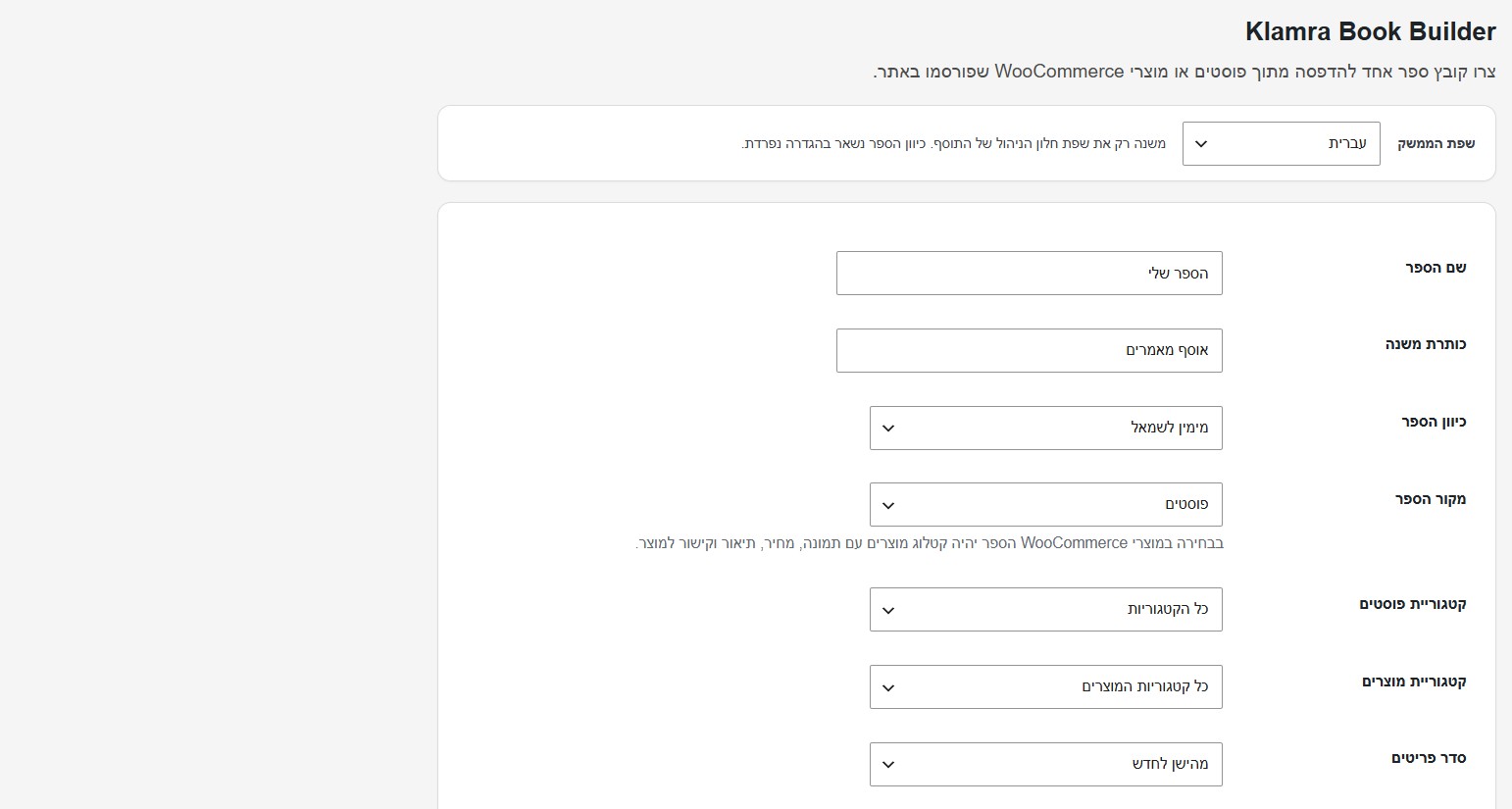
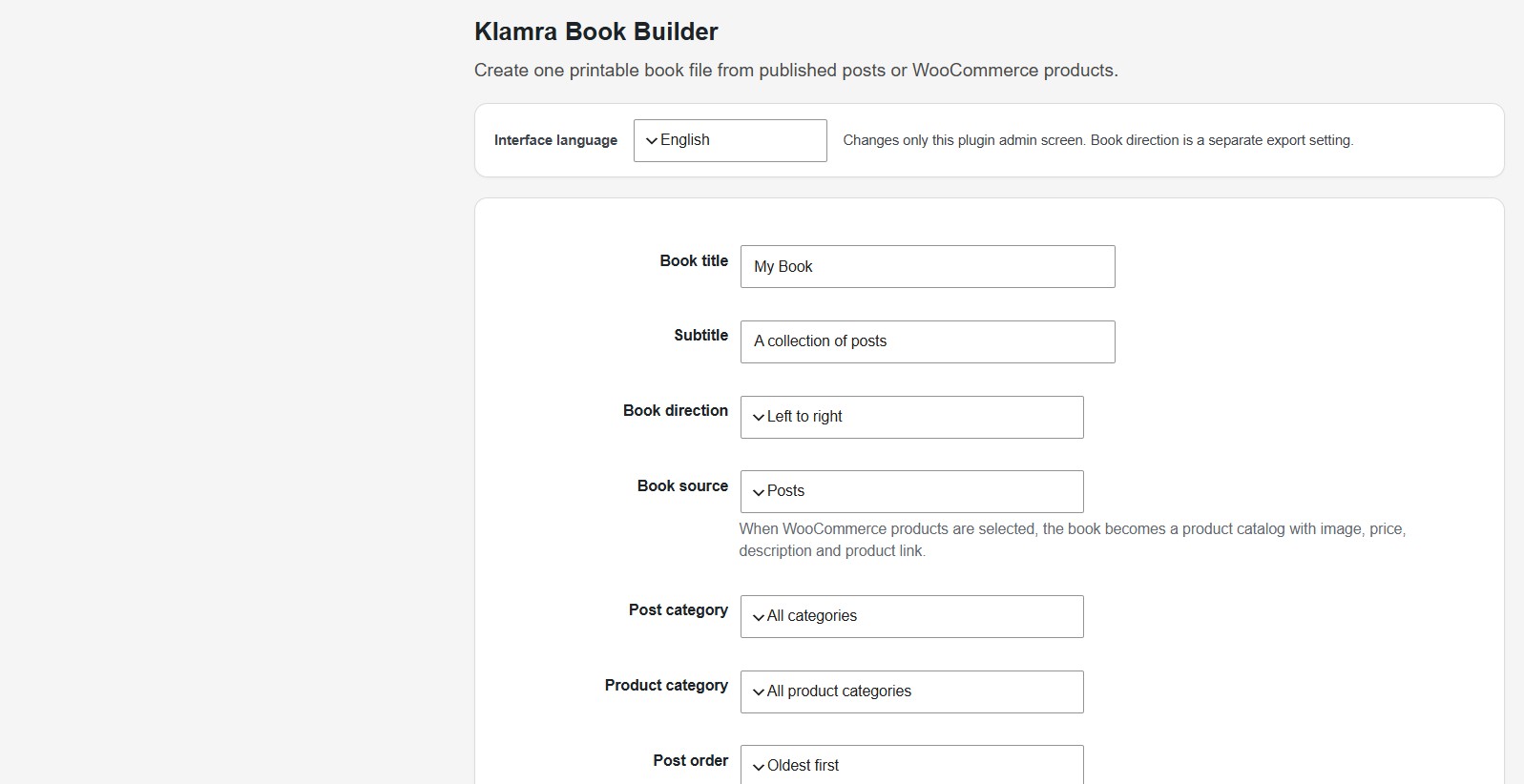
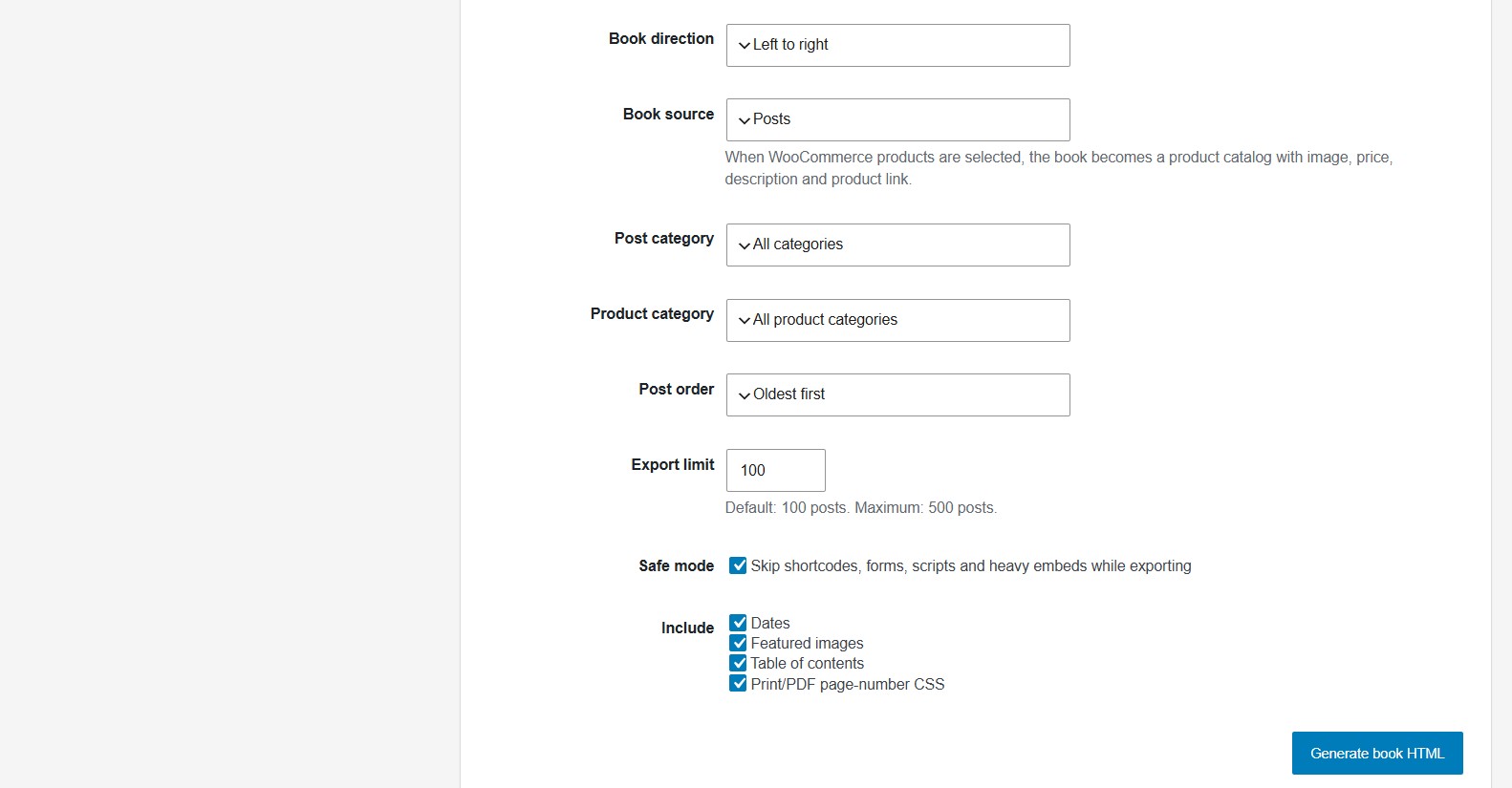
Installation
- Upload the plugin ZIP through Plugins > Add New > Upload Plugin.
- Activate the plugin.
- Go to Book Builder in the WordPress admin menu.
- Choose title, direction, category, order, export limit and options.
- Click Generate book HTML.
- Open the generated file and use Print / Save as PDF if needed.
FAQ
-
Does this create a PDF file directly on the server?
-
No. The plugin creates a printable HTML book. You can save it as PDF from the browser. This keeps the plugin lighter and safer on shared hosting.
-
Can I export Hebrew or other RTL content?
-
Yes. Choose Right to left in the Book direction setting.
-
Why is there an export limit?
-
Large archives can be heavy. The limit helps protect your site from memory and timeout issues. The default is 100 posts and the maximum in this version is 500 posts.
-
What does Safe mode do?
-
Safe mode skips shortcodes, forms, scripts and heavy embeds while exporting. This helps avoid conflicts with page builders, video embeds, forms or other plugins during export.
-
Where are generated files saved?
-
Generated files are saved under wp-content/uploads/klamra-book-builder/.
Reviews
There are no reviews for this plugin.
Contributors & Developers
“Klamra Book Builder” is open source software. The following people have contributed to this plugin.
Contributors
Translate “Klamra Book Builder” into your language.
Interested in development?
Browse the code, check out the SVN repository, or subscribe to the development log by RSS.
Changelog
0.2.7
- Reworked generated book output to avoid non-enqueued stylesheet warnings.
- Switched export and download file access to WP_Filesystem.
- Added translator comments for placeholder strings.
- Reduced plugin tags to five.
0.2.3
- Updated plugin author and contributor identity to Klamra22.
0.2.1
- Added an interface language selector for English and Hebrew.
- Improved Hebrew admin labels while keeping English as the public default.
0.2.0
- Public-ready plugin name and English admin interface.
- Added LTR/RTL direction setting.
- Cleaned admin UI for public distribution.
- Kept safe export limits, direct file writing and secure downloads.
- Kept table of contents, print stylesheet and browser PDF workflow.
0.1.5
- Internal development build.