

Description
A collection of page-building blocks for WordPress Gutenberg Block Editor to make content creation easier, more flexible, & more efficient.
Available Blocks
[Accordion]
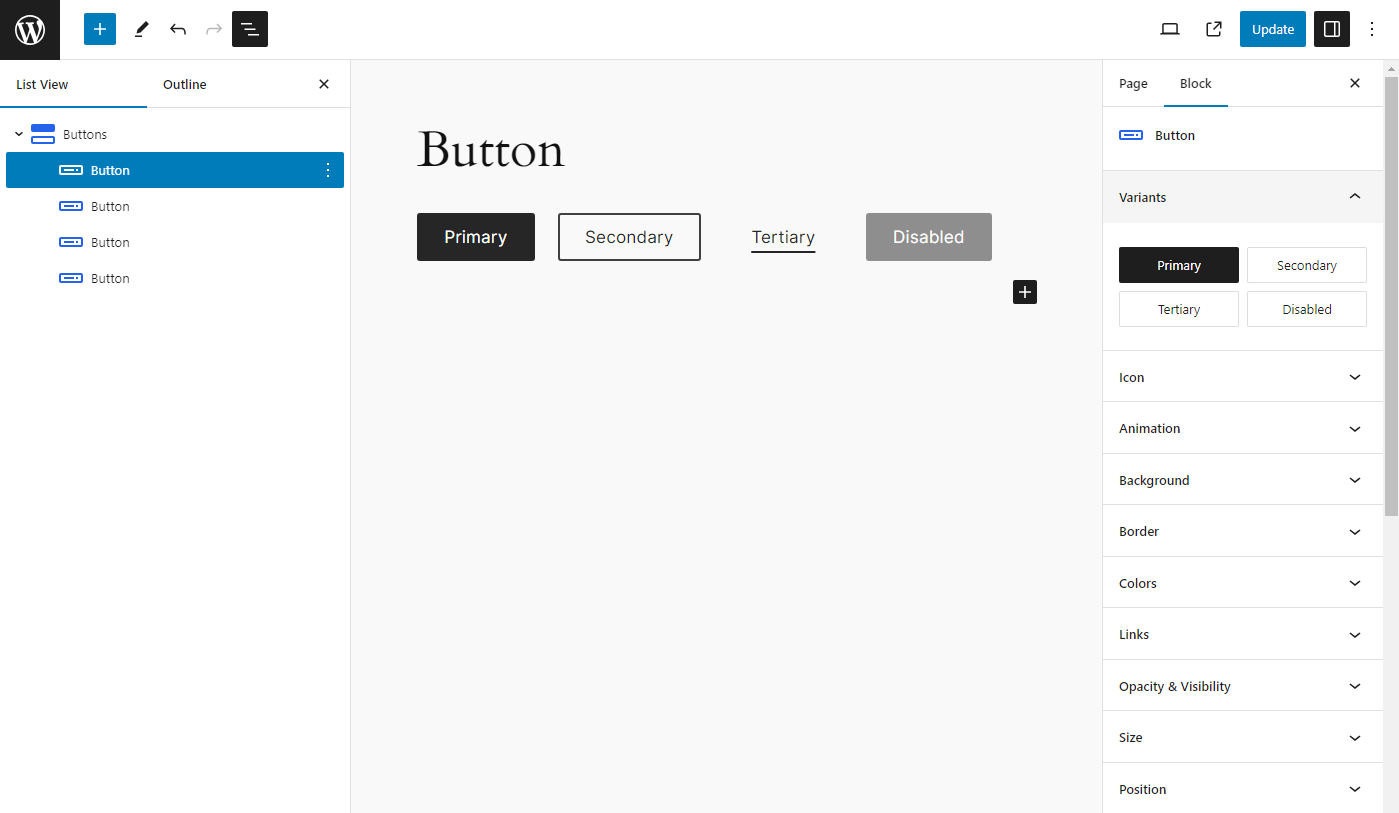
[Buttons]
[Columns]
[Container]
[Heading]
[Icon]
[Image]
[Popup]
Slider/Carousel
[Social Links]
[Spacer]
Tabs
Documentation
Check out our documentation for more information on the individual blocks and how to use them.
Screenshots
Blocks
This plugin provides 31 blocks.
- Tab Content
- Accordion
- Container
- CountUp
- Heading
- Popup
- Slider
- Tabs
- CountUps
- Icon
- Accordion Opened Title
- Accordion Items
- Accordion Title
- Buttons
- Slide
- Columns
- Button
- Social Links
- Styles
- Image
- Social Link
- Tab Panel
- Testimonials
- Tab List
- Spacer
- Team
- Active Tab
- Accordion Item
- Column
- Hero
- Tab
Installation
- Go to “Plugins > Add New” in your Dashboard and search for: enBlocks, Install and activate enBlocks plugin.
- Download the .zip from WordPress.org, and upload the folder to the
/wp-content/plugins/directory via FTP.
In most cases, #1 will work fine and is way easier.
FAQ
-
How do I add blocks to my page?
-
- Create a new page or post
- Add a new block, and look for the “enBlocks” category
- Select a block & start building.
-
What theme should I use?
-
It will work with most of the block themes.
Reviews
There are no reviews for this plugin.
Contributors & Developers
“enBlocks” is open source software. The following people have contributed to this plugin.
Contributors
Translate “enBlocks” into your language.
Interested in development?
Browse the code, check out the SVN repository, or subscribe to the development log by RSS.
Changelog
1.4.4
- Fix: Container block dynamic visibility
- Fix: Spacing/gap linked–unlinked UI values
- Fix: Sanitize inline block CSS before output
- Fix: Pattern PHP files (direct-access guards, prefixed asset URL vars)
- Fix: Accordion default pattern registration
- Fix: Use local pattern asset URLs in CSS (no remote enblocks.com requests)
- Fix: Force noopener/noreferrer on links that open in a new tab
- Security: Restrict heading custom-field meta to non-protected keys
- Security: Harden block pattern registration against path traversal
- Security: Allow only http(s)/data/relative CSS url() schemes
- Security: Validate container HTML tag names on render
- Security: Sanitize accordion icon SVG before CSS mask encoding
- Improvement: Sticky device preview toggle in editor controls
- Improvement: Tabs keyboard navigation (modern key events, Home/End)
- Improvement: PHPCS tooling (plugin prefixes, PHP 7.4 compatibility checks)
- Update: WordPress coding standards hardening for core PHP includes
- Update: Ship src/ and LICENSE in the plugin distribution for WordPress.org compliance
- Update: Tested up to WordPress 7.1
- Removed: Unused code, options-page stub, and dead npm dependencies
1.4.3
- Fix: Minor issues and optimized style loading
- Update: Container block visibility condition with dynamic data
- Update: Heading block with dynamic data
- Update: Uses CSS logical properties
- Update: Fluid border radius
- Update: Optimized code for better performance
1.4.2
- Add: Accordion block
- Add: Testimonials block
- Fix: Tabs block issues and optimized styles
- Update: Includes pattern images within a plugin
1.4.1
- Add: Slider block
- Add: Tabs block
- Fix: Global padding issue
- Fix: Default values
- Removed: layout-flow class from column block
1.4.0
- Fix: Various styling issues
- Update: Block component UI
- Update: Combined similar block component
- Updated: Removed force margin and padding
- Updated: Improved performance
- Removed: Cleanup unwanted files
1.3.10
- Add: Team block
- Add: Social Links block
- Fix: Button icon
1.3.9
- Add: Popup block
- Add: CountUps block
- Fix: Container block padding issue
- Fix: Spacing: margin auto
- Fix: Link decoration style issue
- Update: Heading block with span tag support
1.3.8
- Add: CountUp block
- Fix: remove grid from Container block
1.3.7
- Add: Hero Block
- Add: Hero Block variations
- Fix: spacing component
1.3.6
- Update: container block with grid layout
- Optimized for performance
1.3.5
- Add: spacer block
- Update: container block with Flexbox layout
- Fix: animation issue
- Fix: buttons block issue
- Fix: size with responsive unit
1.3.4
- Fix: fluid columns – column width issue
- Fix: grid-column and grid-row min max value issue
- Add: SVG icons
1.3.3
- Add: icon block
1.3.2
- Fix: packages upgrade issues
1.3.1
- Add: inline component help text
- Add: fancy border radius for image block
- Fix: background animated background issue
- Update: refactor unit component
- Update: refactor spacing component
1.3.0
- Add: image block
1.2.0
- Add: container block and heading block
1.1.1
- Refactor: button block
- Fix: animation conflict with animated background
1.1.0
- Added more variable fonts
- Added blueprint
- Added button accessibility options
- Fixed typography issues
- Fixed block animation conflict with animated background color
- Added columns block and column block
1.0.0
- Initial release